
How many times have you asked yourself: “Is this GPU too powerful for my monitor?” or “Am I wasting money on a graphics card I’ll never use at 100%?”
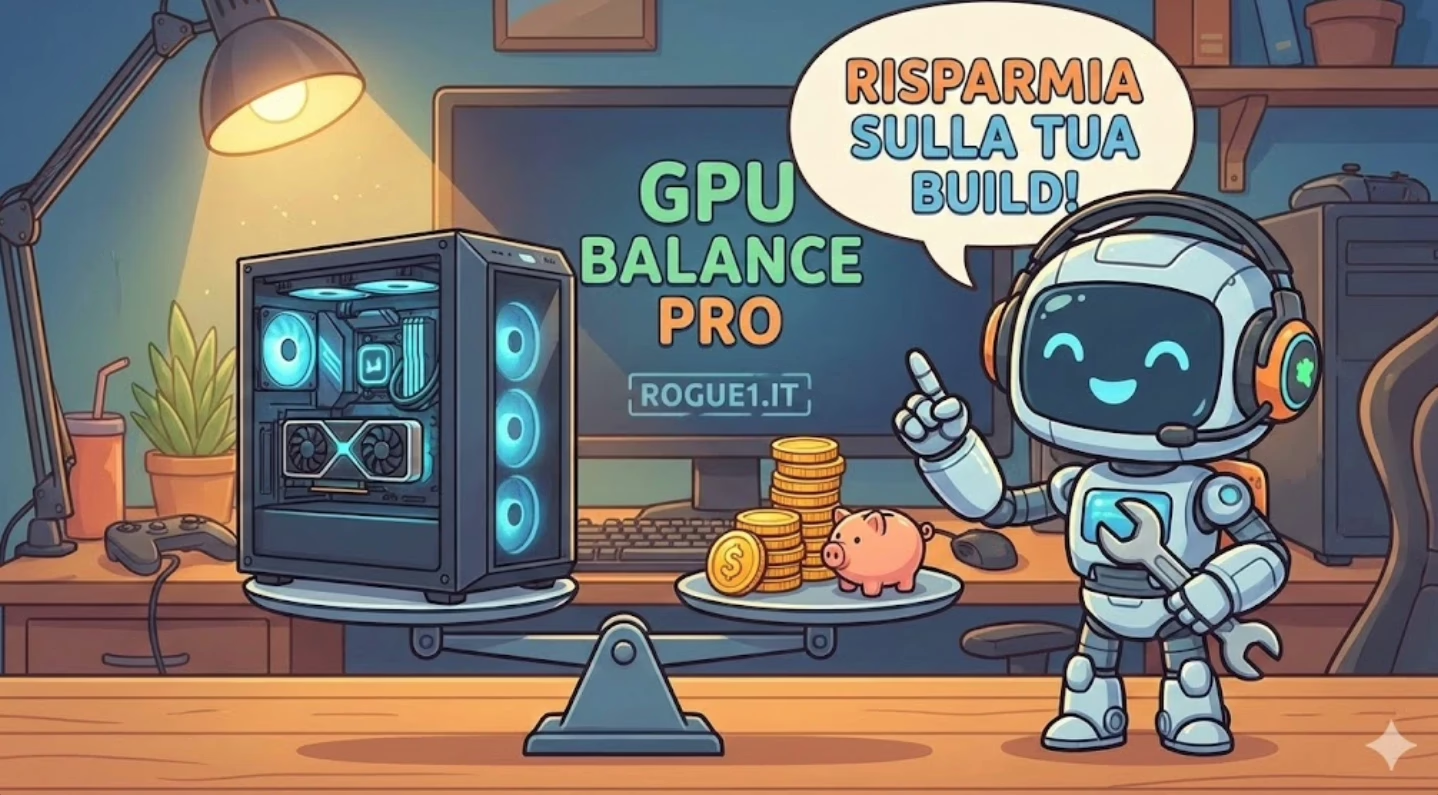
I built GPU Balance Pro, a free web tool that answers these questions visually and immediately, by analysing the balance between GPU, monitor, and game settings.
The Problem: Bottlenecks and Wasted Money
When building a gaming PC, choosing the GPU is crucial. But there’s a problem: GPU power must be balanced with monitor characteristics.
Common examples of costly mistakes:
- 💸 Buying an RTX 4090 at €1899 to game at 1080p 60Hz → Wasting over €1000
- ⚠️ Using an RTX 3060 for 4K 144Hz gaming → Frustrating experience, GPU not enough
- 🤔 Not knowing if your current GPU is adequate for a monitor upgrade
GPU Balance Pro tells you exactly whether your configuration is balanced, overpowered, or insufficient.
How It Works
The tool calculates the “balance” between 5 key factors:
- GPU Power — database of 32 graphics cards (NVIDIA RTX 20/30/40/50-Series, AMD RX 6000/7000)
- Resolution — from 1080p up to 4K and beyond
- Refresh Rate — from 60Hz to 360Hz
- Graphics Settings — Low, Medium, High, Ultra, Ray Tracing
- VRAM — required dedicated memory
The result is displayed on an interactive radar chart that immediately shows whether your configuration is balanced or mismatched.
Key Features
Instant Visual Analysis
The radar chart shows in real time whether your GPU is:
- 🟢 Perfectly balanced (90–110%)
- 🟡 Slightly overpowered (110–120%)
- 🔴 Wasted (>120%) → Suggests cheaper GPUs that would do the same job
- ⚠️ Insufficient (<90%) → Suggests the minimum upgrade needed
Smart Savings Suggestions
When your GPU is oversized, the tool shows you which cheaper GPU would be sufficient, how much you would save (in €), and a direct performance comparison.
You selected RTX 4080 (€1399) for 1080p 144Hz. The RTX 4060 Ti (€469) would be sufficient. You would save €930!
Complete Database with MSRP Prices
32 GPUs in the database. Each card shows name and VRAM, relative performance (0–115 scale), official MSRP price, and verified sources (NVIDIA, AMD, TechPowerUp, Tom’s Hardware).
Transparent Methodology
- ✅ All price sources cited (dedicated popup)
- ✅ GPU power calculation methodology explained in detail
- ✅ Benchmarks used are public (3DMark TimeSpy, Port Royal, TechPowerUp)
- ✅ Code is completely client-side (no data sent to servers)
Try GPU Balance Pro Now
Technical note: MSRP prices are indicative and may vary based on availability, partner model (ASUS, MSI, etc.) and market. GPU performance is calculated on normalised synthetic benchmarks (RTX 4090 = 100). For real gaming, performance may vary ±10% depending on driver optimisations and specific titles.