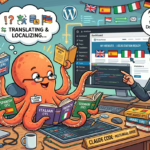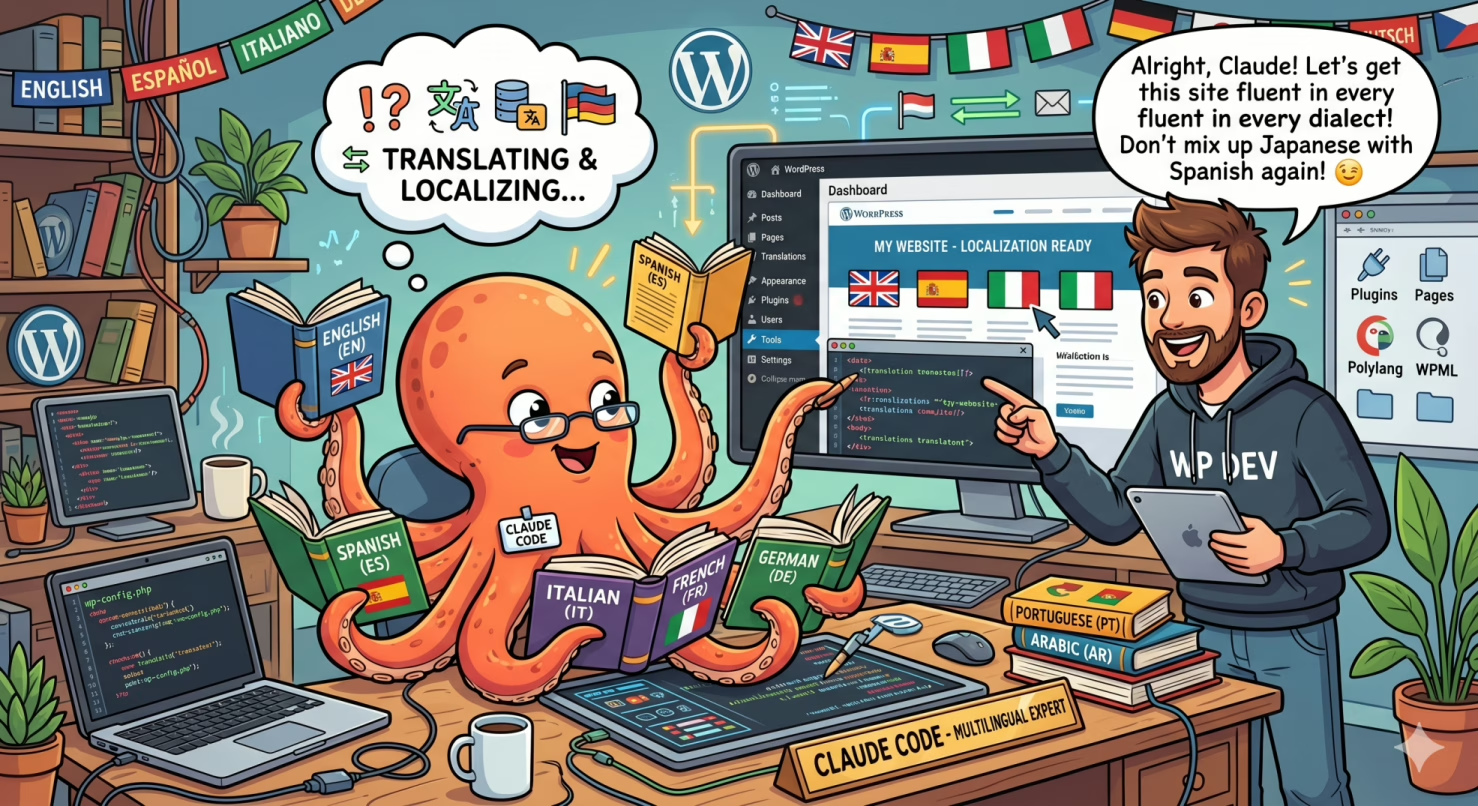
I had a WordPress site in Italian and English. I wanted to add Spanish, French and German. Seventy-two articles to translate into three languages, plus navigation pages, categories, shortcodes, redirects, SEO. Looking at the volume of work, the honest answer was: it can’t be done. Not with the time and resources of a personal project. Then I used Claude Code, and in eight work sessions spread over a few weeks I completed everything.
This article tells how it really went: the decisions, the mistakes, the solutions, and above all what it means to collaborate with an AI agent on a real-scale project. It’s not a step-by-step technical guide — it’s the account of an experience, with enough practical details to let you replicate it.
The Initial Frustration
The problem with internationalizing a WordPress site is not the translation. It’s the systemic complexity surrounding the translation.
With Polylang — the plugin I use to manage languages — each language is not just a label on the text. It’s a separate set of posts, pages, categories with distinct IDs, URLs with different prefixes, shortcodes to update, redirects to configure. Translating an article manually means: creating the post in the new language, linking it to the original, assigning it the categories in the new language version (not the Italian ones — the German ones, with different IDs), copying the featured image, setting the correct date, filling in the SEO fields. For every article. For seventy-two articles. For three languages.
I looked at the alternatives. Automatic translation plugins (WPML + DeepL, TranslatePress) translate the text but don’t understand the structure — Gutenberg blocks with hardcoded category IDs remain wrong, custom shortcodes are untouched, the technical configuration is still your responsibility. A localization agency would handle the translation but not the WordPress technical side. A freelance developer would handle the technical side but not the translation. The combination of both, for seventy-two articles in three languages, was a project worth months and thousands of euros.
So the project had stalled. As most ambitious personal site projects stall: not for lack of intention, but for lack of time and resources.
The First Session: Understanding What Claude Code Could Do
Claude Code is not a chatbot you ask questions to. It’s an agent with access to system tools: it can read and write files, execute terminal commands, query databases, modify code. When I described the problem — WordPress site, Polylang plugin, seventy-two articles, three languages to add — it didn’t respond with a list of instructions to follow. It started working.
It read the custom mu-plugin code that manages site navigation. It queried the database to understand how Polylang organizes translations internally. It identified the seven points in the plugin to update in order to support a new language. All this without me explaining how Polylang works — it figured it out by reading the source code and database structures.
My role in that first session was different from what I expected. I wasn’t giving technical instructions. I was making decisions: do we add German or Chinese? Do we start with Spanish or French? Priority on the navigation structure or the articles? The strategic decisions were mine. The technical execution was Claude Code’s.
How the Collaboration Evolved
After the first session I understood what collaboration pattern worked best:
- I brought context and priorities: “this week I want to complete French”, “navigation pages before articles”, “German is more important than Portuguese because DACH is a relevant market”
- Claude Code brought the plan and execution: proposed the approach, executed it, showed the output, flagged problems, corrected autonomously when something didn’t work
- I validated the result: open the site in the new language, verify that an article had the right image, correct categories, original date
No technical background on Polylang, WP-CLI or PHP was needed. What was needed was knowing what I wanted to achieve and being able to recognize whether the result was correct.
The Problem of Multiple Sessions and Memory
A project of this scale — seventy-two articles per language — is not completed in one session. Claude Code has a context limit: at some point the conversation becomes too long and you have to start over. The risk is that each new session starts from scratch, re-exploring things already discovered, repeating errors already fixed.
The solution is the persistent memory system built into Claude Code: text files saved in a specific directory that are automatically loaded at the beginning of each new session. We used this system to save:
- The complete checklist of steps for adding a language (in order, with the pitfalls of each)
- The mapping of all categories Italian → target language
- Errors already encountered and fixes applied
- Project status: which batches had been completed, how many articles were missing
With these memory files, each new session resumed exactly where it had stopped. The “startup cost” of a session was reduced to a few minutes instead of hours of re-exploration.
This is one of the least obvious aspects of Claude Code: it’s not just a tool for doing things, but also for building persistent knowledge about a project over time.
The Technical Pipeline That Worked
For those who want to understand the technical side: the heart of the process was a three-phase pipeline.
Claude Code wrote the article translations and metadata into a standard JSON file. This file was then read by a PHP script executed directly in the WordPress context via WP-CLI. The PHP script created each article in the new language, linked it to the Italian original, assigned the categories in the new language version, copied the image, set the date and filled in the SEO fields.
Each batch processed ten articles. For seventy-two articles: seven or eight batches. Each batch produced readable output — “OK IT:123 → DE:456 | Article title” — allowing immediate verification of what had succeeded and what had not.
The choice of JSON format as a bridge between AI generation and WordPress execution was not obvious at first — the first approach used a different format that produced parsing errors. But once the correct pipeline was established, it worked reliably for all subsequent batches.
The Errors: What Went Wrong and How It Was Fixed
Telling only the successes would be dishonest. Here are the real errors we encountered.
The First Data Transfer Approach Didn’t Work
The initial attempt was to generate PHP code directly from the Python code used to prepare the data. The result was immediate parsing errors: the two languages have different conventions for representing data structures, and mixing them produced invalid code. Fix: separate the formats. Python writes standard JSON, PHP reads with its native functions. JSON is an explicit data exchange format — it always works between different systems.
Article Categories Were in the Wrong Language
Polylang creates a separate set of numerical identifiers for each language. The “Technology” category in Italian has a number. In German it has a different number. If you assign the Italian number to a German article, you’re assigning it the Italian category — and article grids show mixed or empty content. This error was not visible in the script output, only when opening the site in the new language. Hence the rule: always validate after the first batch, not at the end of all of them.
A German Category Was Pointing to “Uncategorized”
When we added German, one of the categories was already linked in the Polylang database to a generic term created automatically, not to the real category. Claude Code found the anomaly by querying the database, created the correct category and updated the link. Without the ability to query the database directly, this type of problem would have been invisible until much later.
Posts Were Being Created Without Image and With the Wrong Date
The Polylang function that creates posts in a new language does not automatically copy the featured image or the original publication date. Articles appeared without an image and dated to the day of creation instead of the original date. Fix: explicitly add to the PHP script the copying of the image and the date for each article created.
Translation Quality
The most common question: how good is the AI-generated translation?
For technical content — articles on Linux, databases, development tools, Raspberry Pi — the quality is very good. The terminology is correct, commands remain unchanged, explanations are consistent. A German reader reading an article about Ansible or SQL Server won’t notice it was generated by an AI.
For more editorial content — video game reviews, personal reflections, opinion articles — the quality is good but with a slightly more formal tone than text written natively would have. It’s not literal translation: Claude Code adapts the content to the context of the target language. An article about Cyberpunk 2077 written in a colloquial Italian register becomes in German something stylistically appropriate for the German audience, not a word-for-word transposition.
The useful threshold to keep in mind: the quality is more than sufficient to bring valuable content to readers in different languages. It’s not identical to a professional human translation. But it’s enormously better than having nothing — which was exactly the starting situation.
Why This Approach Is Different from an Automatic Translator
An automatic translator (DeepL, Google Translate) does one thing only: converts text from one language to another. It doesn’t touch the site structure, doesn’t update the navigation plugin, doesn’t create categories in the new language, doesn’t configure redirects, doesn’t fill in SEO fields.
Claude Code as an agent does all of this together. Not because it’s “more intelligent” in an abstract sense, but because it has access to the system tools and can act on them. The practical difference is enormous: an automatic translator gives you translated text to paste. Claude Code gives you a working site in a new language.
There’s also a qualitative difference in the translation itself. An automatic translator applies linguistic rules. Claude Code understands context: it knows an article is a video game review, that the audience is technology enthusiasts, that the tone should be informal but precise. The resulting translation is more consistent with the original intention of the article.
The Final Balance
Seventy-two articles for five languages. Forty-five navigation pages. Five hundred and forty SEO fields. Dozens of plugin code updates. All completed in work sessions spread over a few weeks, without a team, without a significant budget, without specialized technical background in Polylang or WP-CLI.
But the number that matters most is just one: zero. Zero articles in Spanish, French and German that would have existed without this approach. The project would have remained on the to-do list, as it had remained for months.
This is the real advantage of working with an AI agent on scale projects: not that it’s faster (it is), not that it costs less (it does), but that it makes feasible projects that would otherwise never be done. It lowers the access threshold to a level where a single site owner can do things that previously required a team.
What You Need to Get Started
If you want to replicate this approach on your multilingual WordPress site, the practical starting point:
- Claude Code — Anthropic’s CLI, available at claude.ai/code. Requires terminal access to the server where your WordPress runs
- WP-CLI — installed on the server, allows Claude Code to interact with WordPress from the command line
- Polylang — the free plugin works. Pro adds some conveniences but is not necessary
- An initial context document — before starting, write (or have Claude Code write) a document describing your site structure, the plugins used, how navigation works. This drastically reduces the “warm-up” time of each session
The least obvious thing: your role is not to give technical instructions. It’s to know what you want to achieve, approve the proposed plans, and validate the results. Claude Code brings the technical skills.