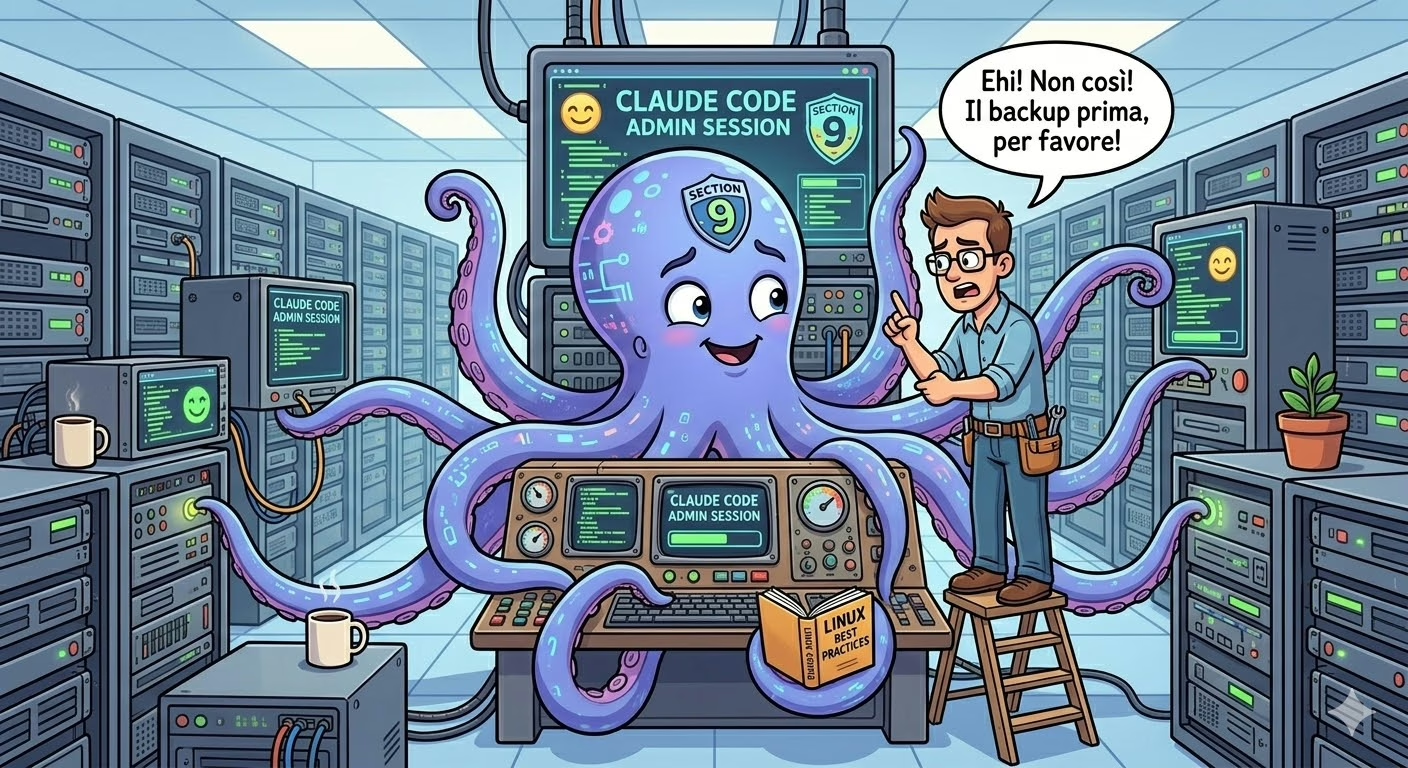
Claude Code for Linux server administration: Claude Code is the command-line tool developed by Anthropic that allows a large language model (LLM) to interact directly with the filesystem, execute shell commands, read and modify files, and manage services, containers, and configurations. This is not a chatbot that suggests commands: it is an agent that executes them, with all the operational responsibility that entails.
This article is not meant to be an ode to artificial intelligence. It aims to answer a concrete question: is it possible to use Claude Code for routine administrative tasks on a Linux server, and do so safely? The short answer is yes — with precise conditions. If you’re looking for a broader reflection on the impact of LLMs, you can also read our article on ChatGPT and artificial intelligence.
How Claude Code works for server administration
Claude Code runs from the terminal and operates in the current working directory. It can read files, modify them, execute Bash commands, search for patterns in code, manage processes. Every action beyond pure reading requires, by default, explicit confirmation from the operator.
The security model is based on three layers:
- Interactive mode with manual approval: every command that modifies system state (writing to files, running processes, calling external APIs) is proposed to the operator before execution. The operator can approve, reject, or change the approach.
- Mode with explicit permissions: you can define in
settings.jsona set of pre-authorised operations (e.g. reading files in a specific directory, running certain commands), reducing interruptions without giving up control. - Complete traceability: every tool call — read, write, execute — is visible in real time in the terminal. There is no silent action. This is an operational advantage over automated scripts that fail silently.
What you can do today
In the daily practice of a systems administrator, Claude Code proves useful in the following categories:
Docker container management
Analysing container state, reading logs, inspecting docker-compose.yml configurations, verifying mounts and environment variables. Claude Code can run docker exec for operations inside containers, install temporary tools (like WP-CLI in this very article, written and published via Claude Code), and diagnose network issues between services.
A typical use case: identifying why a container is restarting in a loop, by reading logs, comparing them against the configuration and proposing a targeted fix — all without leaving the terminal and without having to remember the exact syntax of every docker inspect command. For a concrete example of infrastructure managed with Docker Compose, see our guide to installing GitLab CE with Docker and Docker Compose.
Web server configuration and diagnostics
Reading and modifying Nginx or Apache configuration files, analysing virtual hosts, verifying SSL certificates, checking syntax with nginx -t or apachectl configtest before applying changes. Claude Code can read access and error logs, identify anomalous patterns, and suggest — or directly apply — the necessary corrections.
Database administration
Connecting to MySQL, PostgreSQL or other DBMS instances to run diagnostic queries, verify table structures, analyse slow query logs, check user permissions. You can delegate to Claude Code the writing of complex maintenance queries — purging obsolete data, optimising indexes — which are then executed only after review.
Log analysis and monitoring
Aggregating and analysing system logs (journalctl, syslog, application logs), identifying recurring errors, correlating events across time windows. Claude Code does not replace dedicated tools like Grafana or ELK, but for ad-hoc, unplanned analysis it is significantly faster than building a Kibana query from scratch.
File and configuration management
Reading, comparing and modifying configuration files with context understanding. It does not just replace strings: it can understand the structure of an nginx.conf, a docker-compose.yml, or a crontab, and make changes that are coherent with the logic of the entire configuration.
The sysadmin role: supervision, not delegation
The critical point to understand is that Claude Code for server administration does not mean unattended automation. It is not designed — and should not be used — to run tasks in the background without human supervision. The correct operational model is that of pair programming applied to systems administration: a competent sysadmin working with a capable assistant, always maintaining control over final decisions.
This implies some non-negotiable operational rules:
- Do not run in production without staging: every change Claude Code proposes on a production system should first be validated in a test environment, exactly as with any script or procedure.
- Verify every command before approving it: the speed of the agent must not become pressure to confirm without reading. If a command is unclear, ask for an explanation.
- Do not grant permanent permissions on destructive operations: auto-approval of
rm -rf,DROP TABLE, orgit push --forceshould never be configured. - Keep session logs: Claude Code supports session transcripts. On critical systems, retain them for audit purposes.
- Principle of least privilege: the Claude Code process should run with strictly necessary permissions. Not as root unless absolutely required.
Current limitations not to ignore
Claude Code is not infallible. The concrete limitations a sysadmin encounters in daily use are:
- Interactive commands: tools like
vim,top,mysqlin interactive mode, or any TUI cannot be used directly. Work with non-interactive equivalents or specific flags. - Limited context on complex systems: on very large infrastructures, Claude Code may lose track of dependencies distributed across many files and services. Context readability has physical limits.
- No persistent memory between sessions: every session starts from zero. Knowledge about the infrastructure must be provided each time, or documented in files that Claude Code can read.
- Hallucinations on niche technical documentation: for niche software or very recent versions, information may not be up-to-date or accurate. Verification against official documentation remains necessary.
Future perspectives: what will change
Persistent memory and context
Long-term memory systems — already partially implemented in Claude Code via the CLAUDE.md file and per-project memory directories — will become more sophisticated. An agent that “knows” the infrastructure it operates on, the decisions made in the past, the configured exceptions, will be significantly more effective and less dependent on manual re-contextualisation at every session.
Domain-specialised agents
Claude Code already supports a system of specialised sub-agents. In the sysadmin context, the emergence of vertical agents for specific areas is foreseeable: security hardening, compliance checking, performance tuning, disaster recovery. Not generic agents, but tools trained on specific corpora and validated on real operational patterns.
Integration with Infrastructure as Code tools
Integration with Terraform, Ansible, Kubernetes and similar tools is already partially possible today. In the future, the ability to reason about complex infrastructure states — comparing desired state with current state, proposing changes to IaC code, simulating the impact of an apply — will make these tools much more accessible even to teams with heterogeneous skills.
Structured supervision and audit trail
The most important — and least discussed — direction is formalised supervision. It is not enough for a human to “watch” the agent’s actions: you need tools to define approval policies, record every action with a verifiable hash, and integrate workflows with existing change management systems (ITSM, CMDB). This is the area where the gap between what is technically possible and what is operationally possible in enterprise environments is still most pronounced.
Conclusions
Claude Code for Linux server administration is a useful tool today, not in some hypothetical future. It does not eliminate the need for technical expertise — on the contrary, it presupposes it: a sysadmin who does not understand what they are approving is more dangerous with an AI agent than without one. It does not replace established procedures, but it can reduce the time required for analysis, diagnostics and configuration tasks.
The misconception to dispel is not that “AI is too dangerous to touch servers.” The misconception to dispel is that these tools are either completely safe or completely unsafe. The reality, as is almost always the case in systems administration, is that safety depends on the process, not the tool. An AI agent used with rigour, competent supervision and defined procedures is operationally viable. Used as a shortcut to skip understanding what you are doing, it becomes a risk — exactly like any other powerful tool in inexperienced hands.
Note: this article was written and published directly by Claude Code, connected to the server via a session supervised by a systems administrator. The choice of image, the drafting of the content, the verification of existing categories and the publication via WP-CLI were all performed by the agent with explicit approval at every step.